geofileops.apply_vectorized#
- geofileops.apply_vectorized(input_path: str | os.PathLike[Any], output_path: str | os.PathLike[Any], func: Callable[[Any], Any], input_layer: str | None = None, output_layer: str | None = None, columns: list[str] | None = None, explodecollections: bool = False, force_output_geometrytype: GeometryType | str | None = None, gridsize: float = 0.0, keep_empty_geoms: bool = False, where_post: str | None = None, nb_parallel: int | None = None, batchsize: int = -1, force: bool = False) None#
Apply a vectorized python function on the geometry column of the input file.
The result is written to the output file specified.
It is not possible to use the contents of other columns in the input file in the python function. If you need this, use
apply()instead.If
explodecollectionsis False and the input and output file type is GeoPackage, the fid will be preserved. In other cases this will typically not be the case.Added in version 0.10.0.
- Parameters:
input_path (PathLike) – the input file
output_path (PathLike) – the file to write the result to
func (Callable) – vectorized lambda function to apply to the geometry column. Vectorized means here that the function should accept a shapely geometry array as input and will return a shapely geometry for each item in the input array.
input_layer (str, optional) – input layer name. If None,
input_pathshould contain only one layer. Defaults to None.output_layer (str, optional) – output layer name. If None, the
output_pathstem is used. Defaults to None.columns (List[str], optional) – list of columns to retain. If None, all standard columns are retained. In addition to standard columns, it is also possible to specify “fid”, a unique index available in all input files. Note that the “fid” will be aliased eg. to “fid_1”. Defaults to None.
explodecollections (bool, optional) – True to output only simple geometries. Defaults to False.
force_output_geometrytype (GeometryType, optional) – The output geometry type to force. If None, a best-effort guess is made and will always result in a multi-type. Defaults to None.
gridsize (float, optional) – the size of the grid the coordinates of the ouput will be rounded to. Eg. 0.001 to keep 3 decimals. Value 0.0 doesn’t change the precision. Defaults to 0.0.
keep_empty_geoms (bool, optional) – True to keep rows with empty/null geometries in the output. Defaults to False.
where_post (str, optional) – SQL filter to apply after all other processing, including e.g.
explodecollections. It should be in sqlite syntax and spatialite reference functions can be used. Defaults to None.nb_parallel (int | None, optional) – the number of parallel workers to use. If None, the preference set in the nb_parallel configuration option is used, which defaults to the number of CPU cores available. For more information, see
options.set_nb_parallel(). Defaults to None.batchsize (int, optional) – indicative number of rows to process per batch. A smaller batch size, possibly in combination with a smaller
nb_parallel, will reduce the memory usage. Defaults to -1: (try to) determine optimal size automatically.force (bool, optional) – overwrite existing output file(s). Defaults to False.
See also
apply(): apply a python function on the geometry column
Examples
This example shows the usage of
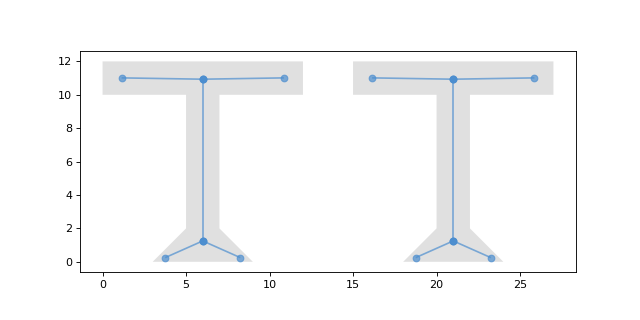
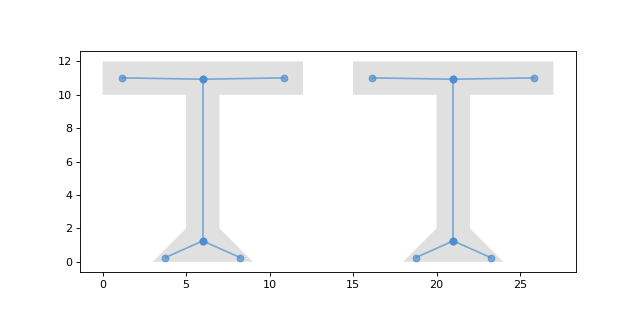
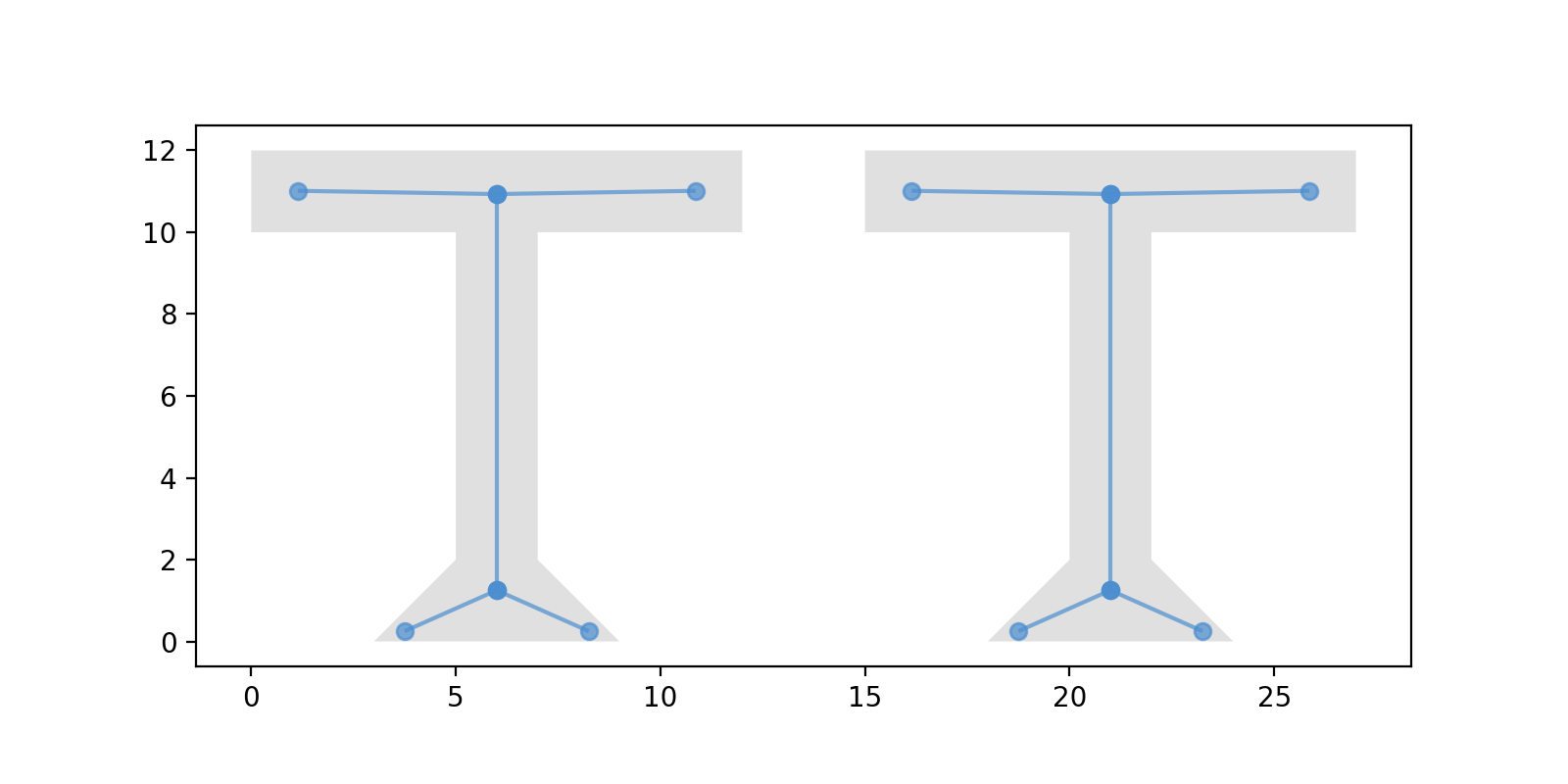
gfo.apply_vectorized:gfo.apply_vectorized( input_path="input.gpkg", output_path="output.gpkg", func=lambda geom: pygeoops.centerline(geom), )
(
Source code,png,hires.png,pdf)